This only works if your blog is noncommercial.
-
Go to
https://<$YOUR BLOG NAME>.disqus.com/admin/settings/ads/.You can do this by logging into to Disqus and clicking around till you find the admin settings or by figuring out the name of your blog.
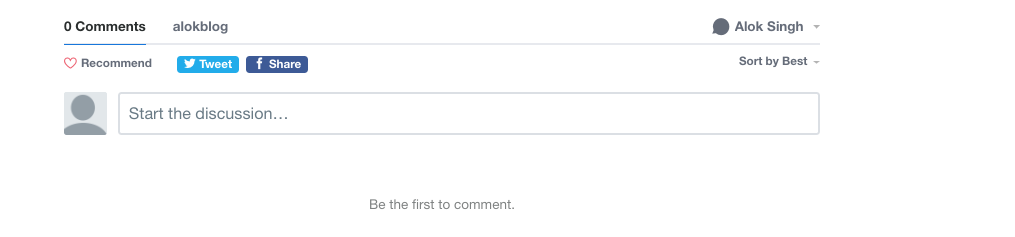
In the picture below, you can see mine is
alokblog. You can do the same by looking at the Disqus comments on one of your posts.
- Look for a setting to turn off ads and click that.